Uber Eats integration

Uber Eats orders straight into your POS and kitchen

Uber Eats orders arrive in Foodyx automatically and go straight on to your POS, printers or KDS. The order status goes back to Uber Eats, and your menu stays the same because Foodyx keeps it in sync.

Menu in one place

Straight into your order flow

Order status sent back automatically

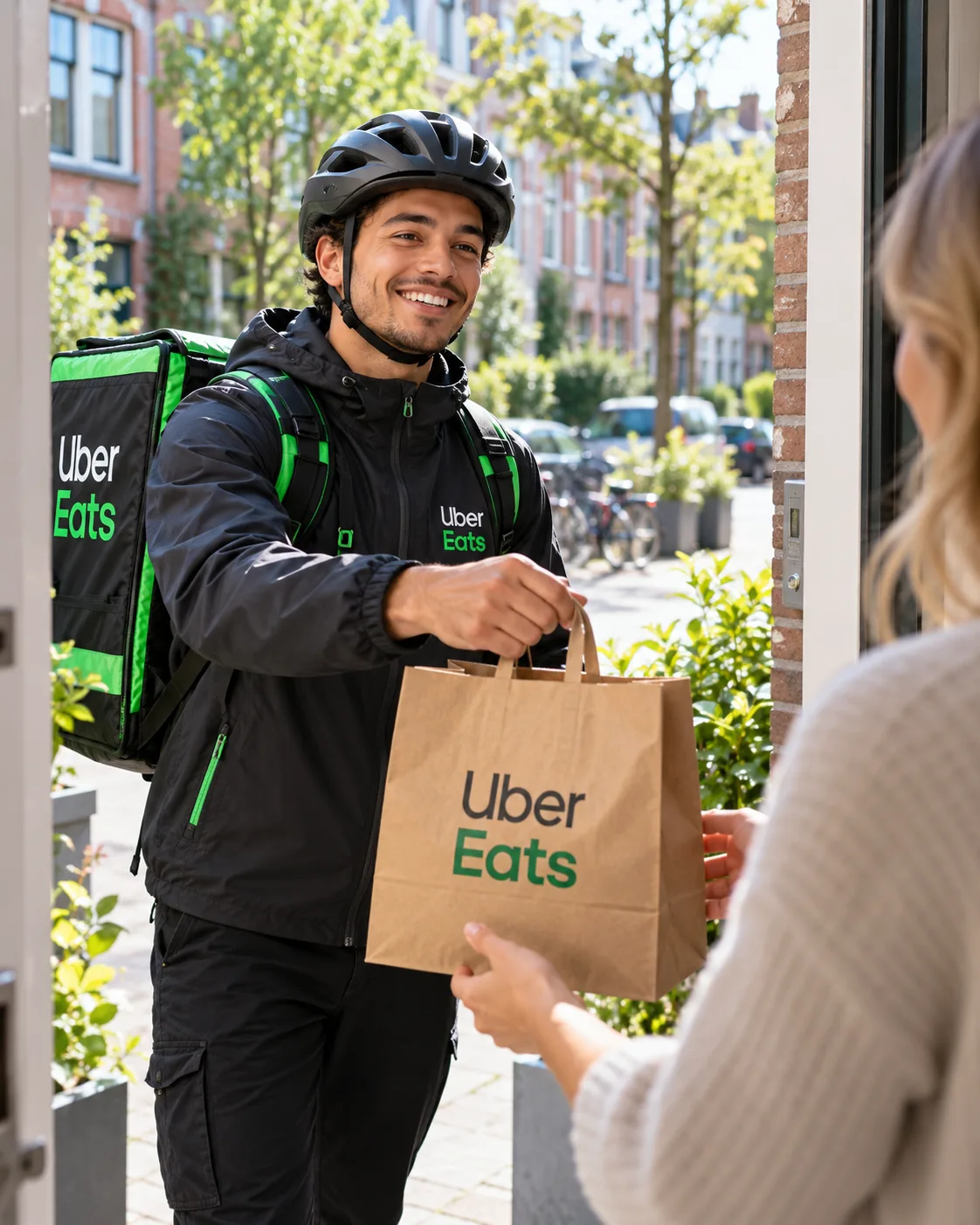
Uber Eats-bezorger in zwarte jas met helm overhandigt een bestelling in een papieren tas aan een klant bij de voordeur

Uber Eats

POSHUB

Foodyx POS

New order

Just now

Margherita Pizza1x€ 11,50
Caesar Salad1x€ 9,95
Tiramisu1x€ 5,50

What does the Uber Eats integration do?

Foodyx makes sure orders from Uber Eats feed straight into your POS workflow.

Instead of a separate tablet or order stream, you work from the same environment as your other orders.

Orders come straight in

No tablet next to the POS and no re-keying.

Order status sent back

Being prepared, out for delivery and completed are sent back to Uber Eats automatically.

Menu in sync

Change your menu in POSHUB and Uber Eats follows.

How the order flow works

  1. You manage your menu in Foodyx; Uber Eats picks it up
  2. Customer orders via Uber Eats
  3. The order reaches your POS and kitchen display via POSHUB
  4. Uber Eats receives the order status automatically

Foodyx uses POSHUB as the central link between external ordering platforms and your own systems.

Why this integration?

Less chance of mistakes

No double entry means less risk of items or notes being copied incorrectly.

Faster processing

Orders are available straight away in your own workflow.

Calmer during busy periods

Staff switch less between separate systems and devices.

Scales better

The same foundation can be used together with other Foodyx products and integrations.

What do you need?

  • Foodyx POS / POSHUB
  • an active Uber Eats account
  • integration set up by Foodyx

Part of a wider order flow

  • Thuisbezorgd
  • Uber Eats
  • Foodyx Webshop

POSHUB

  • POS
  • KDS
  • POS Analytics

Works well with

POS

The central POS for sales, service and order handling.

KDS

Kitchen display for orders, clearly shown in the right sequence.

Webshop

Online ordering through your own sales channel.

POS Analytics

Insight into revenue, orders and performance.

Want to connect Uber Eats to Foodyx?

We would be happy to show you how orders from Uber Eats arrive straight on your Foodyx POS.